NEW The CRA plan: any chip, from CI

See inside every device you ship. ESP32, Zephyr, Pico. Under 10 KB.

A secure address for the web server on your device, its logs and metrics, every crash decoded, and firmware updates. The device calls out, so there are no ports to open and no VPN.

Selling a connected product in the EU? See what the Cyber Resilience Act asks of it, and by when

Free for three devices. No card needed. 5-minute guide Source on GitHub

pump-station-07 Online https://k3f9x2.pinscope.dev
Free heap
110.9KB
CPU load
2.1%
Signal
-72dBm
Uptime
11.4days
I (160593) pump: cycle 4118 done, 3.2 l/min
W (170593) sensor: pressure read retried (1)
I (180593) pump: cycle 4119 started
I (190593) pinscope: firmware update started, 956528 bytes
Crashed 2 days ago: StoreProhibited in task httpd, at valve_set, main/valve.c:57
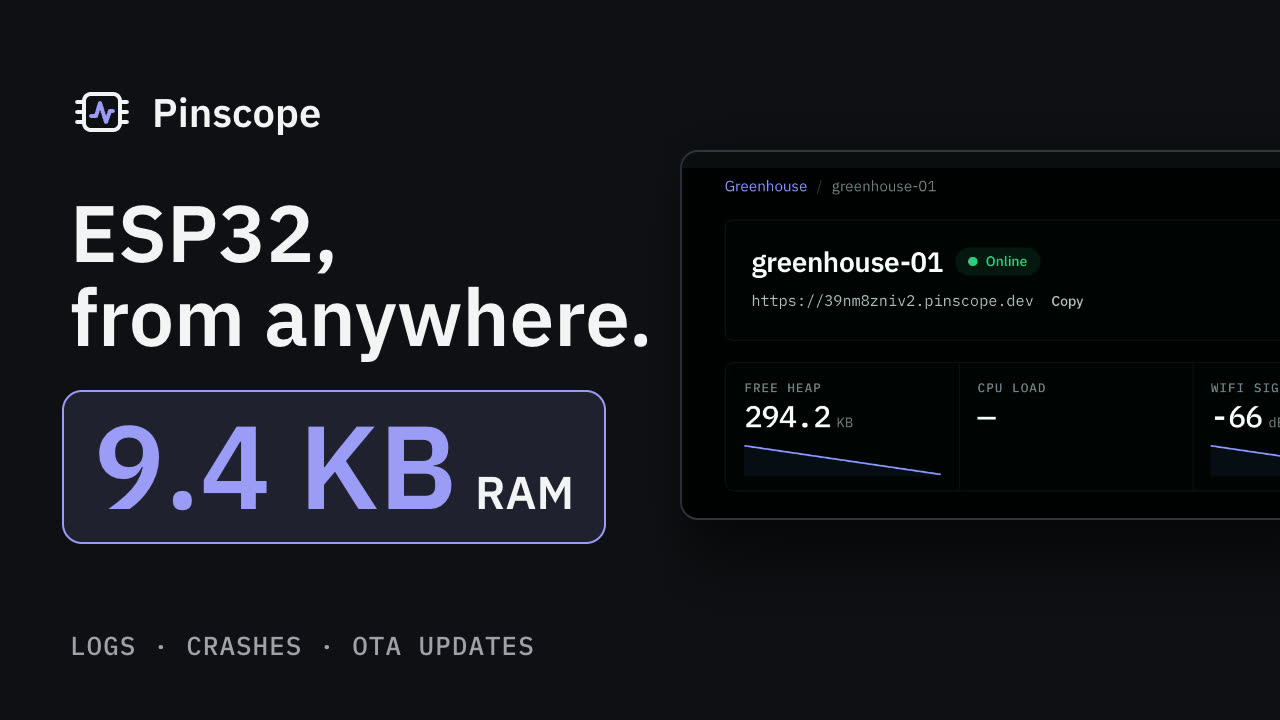
9.4KB

of RAM, all of it, while connected

18KB

of flash for the whole component

0open ports

the device calls out; nothing to forward

1line

of code to start it, and no settings to tune

Watch

From an empty project to a reachable ESP32, in two minutes.

A real board and the real dashboard: add the component, flash, read the logs, send a firmware update and decode a crash.

Video: connecting an ESP32 to Pinscope in ESP-IDF and VS Code ESP-IDF and VS Code, on an ESP32-C6YouTube · 2:31
Footprint

A fraction of the memory TLS needs. Measured, not estimated.

Remote access usually means a TLS session, and a TLS session costs an ESP32 tens of kilobytes. Pinscope speaks the Noise protocol instead, the handshake WireGuard is built on, in a component written to fit.

9.4KB

of RAM in total while connected: buffers, log queue, task and socket. Fixed, nothing to tune

18KB

of flash. No TLS library: the connection uses the Noise protocol, as WireGuard does

0KB

of extra Pinscope buffers when someone opens the device's page: everything is set aside up front

85KB/s

through the tunnel, and about 30 ms for a small request

Speed timed on a local network. Figures measured on an ESP32-S2 with ESP-IDF 5.5.3. How it got this small, and what that costs.

What you get

The bench tools you already use, for devices you can no longer reach.

Its web UI, from anywhere

The HTTP server already running on the device gets an HTTPS address of its own. Pages, APIs and WebSockets work unchanged, behind your login, a share link or an API token. No port forwarding, no VPN.

Logs you can go back to

Everything written with ESP_LOG, Zephyr's LOG_*, printf or the journal is tailed live and stored. Jump to a date and time, page backwards, search the whole history.

Health at a glance

Heap, WiFi signal, chip temperature, restarts by reason and the free stack of every task are reported with no code; the CPU share of every task with one switch. Add your own numbers with one call.

Crashes, already decoded

When the firmware panics, the reason, the task and the backtrace survive the reboot and arrive on the next connection. Upload the ELF of the build and you read function names and line numbers.

Firmware updates, fleet-wide

Send an image from the dashboard or from CI, to one device or to a tagged group in waves that stop at the first device that fails. Each is verified and booted; one that cannot reach the server is rolled back by the bootloader.

For the whole team

Invite colleagues as viewers, members or admins, see who did what, and get an email or a webhook when a device stays offline or crashes. Metrics go to Prometheus too.

EU Cyber Resilience Act

SBOMs and known vulnerabilities, for every build

Attach the SBOM your build writes; Pinscope checks it against the NVD every day, the way Espressif's own checker does, shows which devices in the field run an affected build, records what you decided, and ships the fix over the air. One build free; every build on the paid plans.

What the Act asks, and what Pinscope covers →
Platforms

Started on the ESP32. Now on the rest of your fleet too.

The same device core, written in portable C, on each platform the way it is used there. One dashboard, one bill, devices of every kind in the same project.

Cyber Resilience Act

Selling a connected product in the EU? The CRA already applies.

Since September 2026, actively exploited vulnerabilities must be reported within 24 hours. From December 2027, every new product needs an SBOM per firmware version and known vulnerabilities handled through updates. Pinscope does the tracking for firmware on any chip, with or without our component on the device.

How it works

The device calls out. Nothing listens on your network.

A small library on the device opens one encrypted connection out to Pinscope, the way a browser opens a website, and keeps it open. Everything travels inside it, so no port is opened on the device or on the router.

Add the component

From your project's folder. It comes from the ESP Component Registry.

idf.py add-dependency "pinscope/pinscope^0.2.15"

Enter your project key

In idf.py menuconfig, under Pinscope.

Project key   psk_…

Start it

One call, any time after esp_netif_init().

#include "pinscope.h"

pinscope_start(NULL);

Step by step in the docs →

Install the library

Arduino IDE: Tools, Manage Libraries, search for Pinscope. PlatformIO: lib_deps = pinscope/pinscope.

Library Manager   Pinscope

Enter your project key

In the sketch, with your WiFi.

pinscope_config_t config = {};
config.project_key = "psk_…";

Start it

One call in setup(), after WiFi.begin().

#include <pinscope.h>

pinscope_start(&config);

Step by step in the docs →

Add the module

To your west.yml, then west update.

- name: pinscope
  url: https://github.com/pinscope-dev/pinscope-zephyr
  path: modules/lib/pinscope

Enter your project key

Two lines in prj.conf.

CONFIG_PINSCOPE=y
CONFIG_PINSCOPE_PROJECT_KEY="psk_…"

Build it

No code: it starts at boot. With MCUboot for updates from the dashboard.

west build -b <board> --sysbuild

Step by step in the docs →

Add it to the build

Pico SDK with FreeRTOS and lwIP; pinscope-pico next to your project.

include(pinscope-pico/pinscope.cmake)
target_link_libraries(app pinscope)

Enter your project key

In the configuration you start it with.

.project_key = "psk_…"

Start it

One call, once WiFi is connected.

#include "pinscope.h"

pinscope_start(&config);

Step by step in the docs →

Run one command

On the Raspberry Pi or Linux machine. It builds the agent there and installs it as a service.

curl -fsSL https://pinscope.dev/install.sh \
  | sudo sh -s psk_… 80

Choose the port

The last number is the local web port to reach: 80, 8080, a camera, Node-RED.

sh -s psk_… 1880

That is all

Its journal, memory, load, temperature and disk go to the dashboard too.

systemctl status pinscope-agent

Step by step in the docs →

Add the component

ESP8266 RTOS SDK: the pinscope folder from pinscope-esp8266 in components/.

components/pinscope/

Enter your project key

In idf.py menuconfig, under Pinscope.

Project key   psk_…

Start it

One call, once WiFi is started.

#include "pinscope.h"

pinscope_start(NULL);

Step by step in the docs →

The device registers itself on first connect and shows up in the dashboard with its own address.

Pricing

You pay for the number of devices.

The tools are the same on every plan. Paid plans add devices, history and traffic, and what a shipped product needs on top (listed below the plans). History and traffic are fair-use allowances.

Free

€0for good
no card needed

Three devices with all the tools, for as long as you like.

Included in every plan: remote access to HTTP and WebSocket, live and stored logs, built-in and custom metrics, per-task stack and CPU, crash reports with decoding, firmware updates, alerts by email and webhook, share links, API tokens and request rules. The free and Home plans also check the SBOM of one build for known vulnerabilities every day and email you when a new one appears. Home is for non-commercial use. Maker and larger plans let you choose a device's address, make its page public, and track every build for the Cyber Resilience Act: the devices that run it, your decision on each vulnerability, and the report.

Prices exclude VAT, which is added at checkout where it applies. Upgrade from your account at any time; cancel whenever you like.

What's new

Shipping every week.

The Cyber Resilience Act plan, for firmware on any chip

The Security tab now comes as a plan of its own, for companies that need the Cyber Resilience Act without a fleet to manage: upload the SBOM of each build from CI, for an ESP32, an STM32, an NXP or a Nordic part alike, and Pinscope checks it every day, flags actively exploited vulnerabilities at once, suggests a decision on each CVE with its reason, and writes the report for your technical file. EUR 149 a month per product line, one build free to try. And if you would rather not set it up alone, CRA start: we do it with you.

Ask Claude, Cursor or Copilot about your devices

Pinscope now has an MCP server. Connect your AI assistant with one read-only API token, and it reads what your devices in the field are doing: their logs, crashes decoded to the line, metrics, and the known vulnerabilities in their firmware. Ask why a device restarted last night, and it looks. It changes nothing on the devices, and it is on every plan, the free one included. Also new: a simulated ESP32 in Wokwi to try Pinscope without a board, and a Cyber Resilience Act check for your product.

Known vulnerabilities in your firmware, now free for one build

The Security tab is now on the free plan too, for one firmware build: attach the SBOM your build writes, and Pinscope checks it against the NVD every day, with the same matching as idf.py sbom-check, and emails you when a new vulnerability appears in it. The paid plans check every build and add the devices that run an affected one, a decision on each vulnerability, the support period and the report for the Cyber Resilience Act.

Everything new → · RSS

Questions

Before you flash it.

Which chips does it run on?

Every ESP32 with WiFi: ESP32, S2, S3, C2, C3, C5, C6 and C61, with ESP-IDF 5.x and 6.x, Arduino (Arduino-ESP32 2.x and 3.x) or PlatformIO. In beta: Zephyr boards with a network, the Raspberry Pi Pico 2 W, Linux machines and the ESP8266. On RISC-V chips a crash report lists the code addresses found on the stack instead of an exact backtrace.

Do I have to open ports or set up a VPN?

No. Nothing is opened on the device or on the router. The device makes one outbound connection to our server on port 443, the port a browser uses for HTTPS, so it works behind NAT and ordinary firewalls. Only firewalls that inspect traffic and let nothing but TLS through that port block it.

Why not TLS?

A TLS session costs an ESP32 20 to 40 KB of RAM and a certificate chain to check, for a device that only ever talks to one server. Pinscope uses the Noise protocol instead (the handshake WireGuard is built on) with X25519 and ChaCha20-Poly1305: the device checks that it reached the real server, its credentials never travel in the clear, and every message is authenticated and cannot be replayed.

Who can reach my device?

Only you, signed in to the dashboard, unless you create a share link (time-limited, revocable), an API token for a script, or make the page public on a paid plan. Request rules can refuse chosen paths and methods for everyone or only for guests.

What happens to my device when Pinscope is unreachable?

It keeps running your firmware. The component retries in the background with a growing delay, and the most recent logs and metrics wait in a small queue until the connection is back.

How are logs, ELF files and firmware images stored?

Encrypted on the server before they are written to disk, with a key specific to your project. This is encryption at rest, not end-to-end: the server has to read an image to send it and an ELF to decode with it. Uploading either is optional.

Is the code open source?

The code that runs on your devices is public on GitHub, for every platform, so you can read everything that goes into your firmware and build it yourself. It is source-available, not open source: the licence allows it in any product, including commercial ones, for connecting to Pinscope. The server is not public. github.com/pinscope-dev

Does it replace my update system?

It does not have to. Updates use each platform’s own scheme: esp_ota’s two slots on the ESP32, MCUboot on Zephyr, the A/B partitions on the Pico 2 W. You can switch them off and keep your own, and every kind of reported data has its own switch too.
Connect the first device in five minutes.